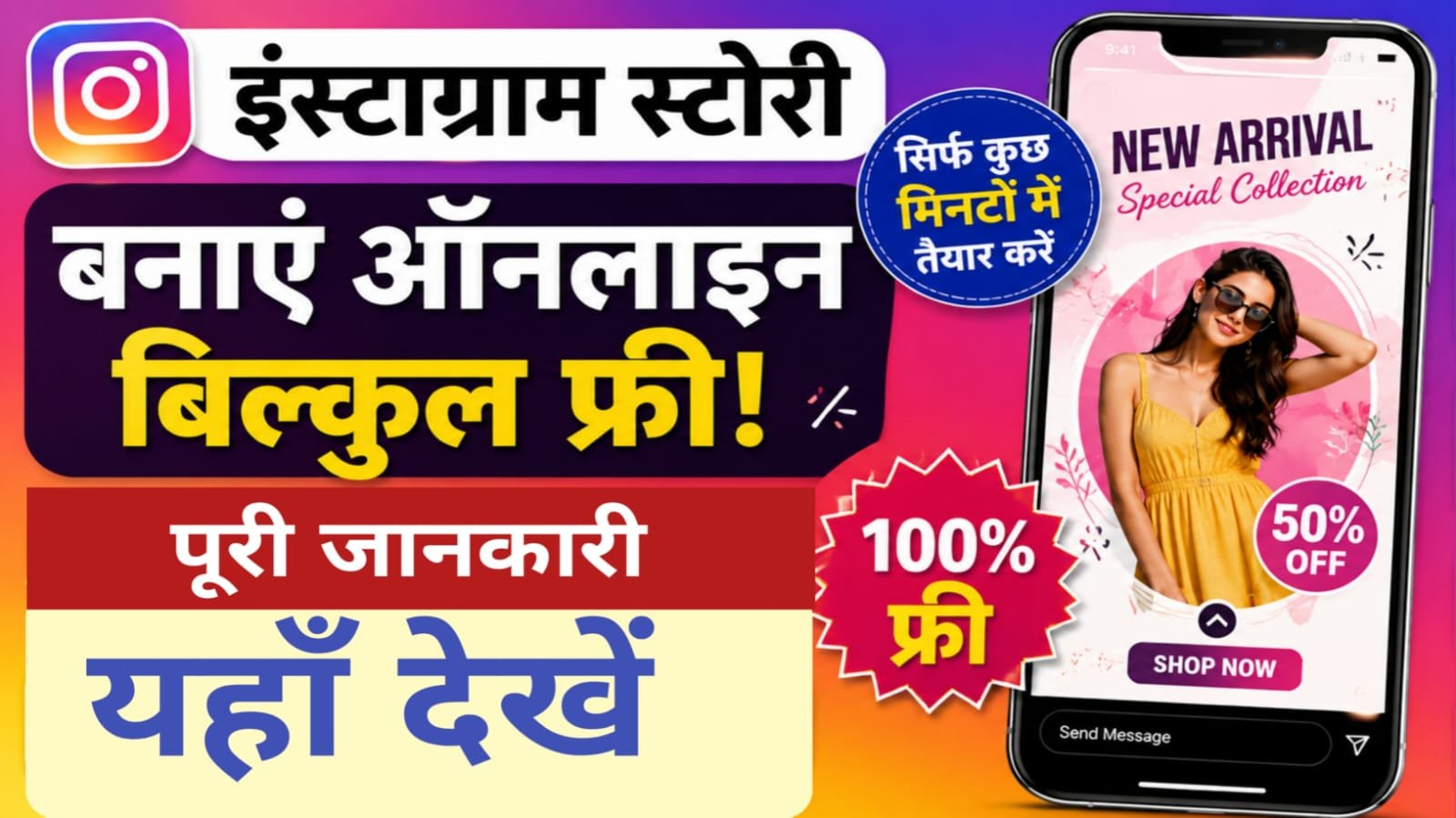
Namskar dosto apne dekha hoga kuch log roz stories daalte hain, professional lagti hain, colors matching hote hain, fonts stylish hote hain. Aap sochte ho “Photoshop aana chahiye hoga” ya “koi expensive app chahiye hoga.”Sach ye hai ki bilkul free mein professional stories ban sakti hain. Bina Photoshop ke. Bina paisa kharch kiye. Sirf sahi tools aur thodi creativity.Main aapko 7 free tarike bataunga nstagram story create karne ke liye. Mobile pe, computer pe, koi bhi device ho kaam chalega.
Chapter 1. Instagram Story Kya Hoti Hai Pehle Ye Samjho
Instagram story wo vertical photo/video hota hai jo 24 hours ke liye dikhta hai. Uske baad disappear ho jata hai (unless aap highlight mein save karo).
Story kyu banayein:–
- Log stories ko priority dekhte hain (top of feed)
- Stories se engagement (polls, questions, replies) zyada aati hai
- 500 million+ log daily Instagram stories use karte hain
- Naye followers ko aapka “real side” dikhane ka best tarika
Story ka size: 9:16 aspect ratio (1080 x 1920 pixels) — vertical video/photo
Chapter 2. Canva Sabse Popular Free Tool
Canva is the fastest way to grab a ready-made Instagram story template and edit it in minutes . Haan, bilkul free. Aur bohot easy hai.
Canva kaise use karein (computer par):–
Step 1: Canva.com par jao. Free account banao (email se).
Step 2: Search bar mein “Instagram Story” likho.
Step 3: Thousands of templates dikhenge. Sab free nahi hain, lekin bohot saare free hain. “Free” filter laga lo.
Step 4: Koi template select karo. Ab edit karo:
- Text change karo
- Photos daalo (apni gallery se)
- Colors change karo
- Elements add karo (stickers, shapes, frames)
Step 5: Jab ho jaye, “Download” click karo. PNG ya JPG select karo.
Step 6: Ab story Instagram pe upload karo.
Mobile par Canva:–
1.Canva app download karo (free)
2.Same process. Thoda chhoti screen hai lekin kaam ho jata hai.
Chapter 3. Picsart Free Mobile App for Stories
Canva acha hai, lekin kabhi kabhi Canva slow lagta hai. Picsart faster hai for quick edits.

Picsart kyu use karein? Picsart is best when you want faster photo effects, cutouts, and more playful edits without feeling locked into rigid layouts .
Picsart se story kaise banayein:
Step 1: Picsart app download karo (free)
Step 2: Bottom par “+” click karo → “Stories” select karo
Step 3: Background choose karo (color ya apni photo)
Step 4: Stickers, text, filters add karo
Step 5: Export karo — no watermark!
Chapter 4. Mobile Apps With Templates
Agar aapko ready-made templates chahiye (bas apni photo daalni hai), toh ye apps use karo. It’s super simple — browse our library of photo templates and select your favorite, then choose a few photos from your camera roll, add some text, and just like that, your photo story is ready to be shared .
Top free apps:–
- Story Maker (Insta Story Maker)
- 2000+ stunning templates
- 100+ fonts
- No account required
- No watermark on exports
- Download from Play Store or App Store
- Made – Story Maker & Collage
- 200+ photo templates
- 50+ photo filters
- Add unlimited pages to your story
- Free with optional Pro version
- Mojito Story Art
- 500+ templates and frames
- Photo & video support
- 5 advanced text tools
- No account required
How to use these apps:
- App download karo
- Template select karo
- Apni photo/video daalo
- Text add karo (optional)
- Save karo → Share on Instagram
Chapter 5. InStories Animated Stories Ke Liye Best
Normal static story boring lagti hai. Animated story zyada attention leti hai.
InStories features: The programme includes ready-made templates in different style solutions for stories and posts, animated stickers, dynamic backgrounds, animated text effects, and music .
Kyu InStories alag hai:
- Animation templates pre-made hain
- Music add kar sakte ho
- Animated fonts and effects
- Reels format bhi available hai (9:16, 1:1, 4:5)
Chapter 6. Adobe Express Professional Look Free Mein
Adobe ka naam suna hai? Photoshop, Lightroom — expensive hain. Lekin Adobe Express free hai.
Adobe Express features: Adobe Express is a content creator’s dream, offering thousands of free templates for social graphics, reels, stories, and more. It’s especially helpful for quick actions like background removal, video trimming, or adding animations .
Adobe Express se story kaise banayein:
Step 1: Express.Adobe.com par jao
Step 2: “Instagram Story” template select karo
Step 3: Background remove karo (free mein!)
Step 4: Text, fonts, colors adjust karo
Step 5: Download karo
Chapter 7. Unfold Elegant Minimalist Stories
Agar aapko aesthetic, minimalist, elegant stories pasand hain — Unfold use karo.
Unfold features: If elegant, cohesive Instagram Stories or carousels are your thing, Unfold delivers hundreds of beautiful designer templates. With its elegant, minimalist templates, it’s loved by creators and brands for visual storytelling .
Unfold kyu alag hai:
- No clutter. No extra elements.
- High-end magazine style templates
- Perfect for travel, fashion, lifestyle, quotes
Chapter 8. Computer vs Mobile Kahan Banayein Better Hai
Dono ke apne advantages hain.
Computer (Canva, Adobe Express):
✅ Big screen — details dikhte hain
✅ Typography control better hai
✅ Multi-tasking easier
❌ Can’t use phone-specific stickers
Mobile (Picsart, Story Maker, InStories):
✅ Anywhere, anytime
✅ Phone gallery se direct photo daal sakte ho
✅ Instagram ke stickers use kar sakte ho
❌ Chhoti screen — editing thoda time leti hai
Chapter 9. Free Stock Photos for Stories
Apni photos nahi hain? Koi baat nahi. Free stock photo websites hain.
Best free stock photo sites:-
- Unsplash
Over 3 million high-resolution images contributed by photographers worldwide . Completely free, no attribution needed. - Pexels
Ideal if you’re after vibrant, dynamic photos and videos. The Pexels collection leans modern and multicultural, and it includes both horizontal and vertical formats — great for Instagram Stories . - Dupe
Offers curated, high-quality imagery for modern brands and aesthetic feeds — all free to use, no attribution required. The library leans toward lifestyle, fashion, tech, and minimalist vibes .
Chapter 10. Caption Kaise Likheinv
Story ban gayi. Ab caption? Ya text overlay?
Free caption generators:-
- Grammarly’s AI Instagram caption generator
Just describe your post and choose a tone (like witty, confident, or friendly), and Grammarly’s free caption generator will suggest multiple caption options you can tweak or copy as-is. No login required to generate ideas . - Copy.ai
Helps you create short, catchy captions based on your product, post theme, or content goal. You can also choose a tone (like bold, friendly, or professional) . - Predis
AI social media assistant that auto-generates post captions from a single prompt. Short-form ideas with emojis, hashtags, and brand alignment .
Chapter 11. Instagram Story Templates Kahan Se Download Karein?
Ready-made templates chahiye? Ye websites free templates deti hain.
Template sources:-
- Canva Template Library
Tons of free Instagram story templates. Choose from designs from modern and minimalist to vibrant and energetic, seasonal themes for 2026 . - HubSpot (Free)
Free Instagram Story templates designed for business posting rhythms, built around common promo and announcement needs . - DocHipo
Free templates labeled as “Free” — no watermark even on the free plan . - Zeely
When you need more than static design — motion creatives and short video ads .
Chapter 12. Step-by-Step Ek Professional Story Banate Hain
Chaliye, practical karte hain. Example lete hain — “Motivational Quote Story”
Tool: Canva (free)
Time: 5 minutes
Steps:–
Step 1: Canva.com par jao. “Instagram Story” search karo.
Step 2: “Motivational Quote” template select karo (free wala).
Step 3: Quote text change karo. Apna favorite quote likho.
Step 4: Background color change karo. Dark background pe light text — best contrast.
Step 5: Font change karo. Bold, readable font (e.g., Montserrat, Playfair Display).
Step 6: Add a subtle gradient or shape. Empty space mat rakho.
Step 7: Download as PNG.
Step 8: Instagram pe upload karo.
Chapter 13. Story Upload Karne Ke Baad Engagement Kaise Badhayein?
Story banake upload karna sirf aadha kaam hai. Baaki aadha hai — engagement.
Engagement stickers use karo:
- Poll sticker: “Which one do you prefer? A or B”
- Question sticker: “Ask me anything about [topic]”
- Emoji slider: “How excited are you for [event]?”
- Quiz sticker: “Test your knowledge — answer this”
- Countdown sticker: “Something exciting coming…”
Chapter 14. Common Mistakes
Text too small: Logo phone se dekh rahe hain. Chhota text padhne mein problem hoti hai. Font size 24+ rakho.
Too many elements: Ek story mein 10 stickers, 5 text boxes, 3 photos — messy lagta hai. Minimal rakho.
Low quality images: Blurry photo daaloge toh story achi nahi lagegi. HD quality use karo.
No brand consistency: Ek din red background, doosre din blue background, teesre din yellow — koi identity nahi banti. Ek color palette fix karo.
Posting at wrong time: Subah 3 baje story daali? Koi nahi dekhega. Indian prime time daalo (7-10 PM).
Conclusion
Tools jaante ho. Templates jaante ho. Ab asli kaam hai — consistent rehna.
30-day story challenge:
- Roz ek story daalo
- Ek hafte mein style decide karo (font, colors, layout)
- Doosre hafte mein engagement stickers use karo
- Teesre hafte mein templates experiment karo
- Chautha hafte mein analytics dekho — kaunsi story zyada engage hui